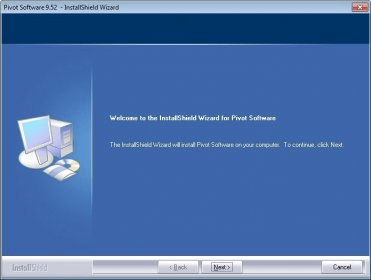
Pivot Software 8.24.002 is a program that allows you to rotate your computer display from landscape to portrait.
This way you will be able to see documents with an orientation different than the one your monitor has.
Pivot Software supports this rotating orientations: portrait 90, presentation 180, portrait 270, and landscape, as well as multiple monitors in Windows® 2000, XP, and XP x64 edition.
The program can be used in English, Japanese, French, German, Spanish, Dutch, Italian, Korean, and Chinese.
Once installed, Pivot Software adds itself to your Desktop Contextual Menu. Should you right click over your desktop, the Pivot Software controls will appear, letting you rotate the screen from 90 to 270 degrees. You can go back to the original position by choosing the "Rotate 0" option.
The image will change its orientation, but the mouse movements will be always the same. This way, if you change the orientation of the monitor, the movements will be the right ones.
You will also have a button on the taskbar, that you can configure to be a floating button, that will let you control the program.


Is a free video rotate tool to help you flip and rotate video easily.










Comments (1)
The main downside is that is not freeware.
You get a 14-day trail and then need to pay.